
Use GoodAction habits
Use Habits to set and review personal impact routines, then update habit settings when reminders or goals no longer fit.
Watch it step by step
Click the highlighted area to move through the task, or watch the video when one is available. Newer flows may use a labeled walkthrough instead of a live photo.
Step 1 of 3
1. Open the habit library
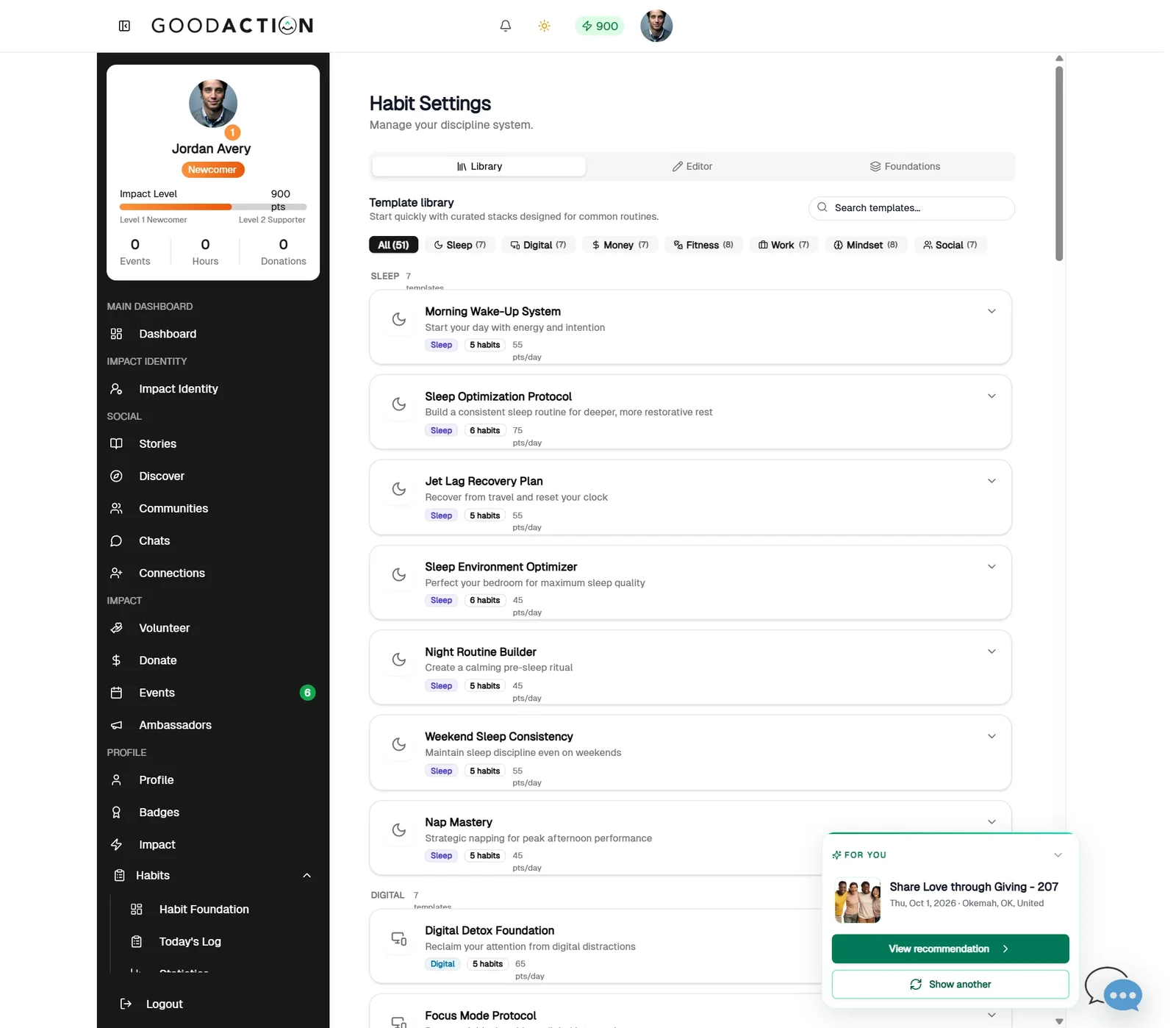
Open Habits → Settings. The Library tab lists ready-made habit templates.
Done when: Today's Log shows your progress, and completed habits add points on Impact Identity.
Use GoodAction habits
Overview
Use Habits to set and review personal impact routines, then update habit settings when reminders or goals no longer fit.
Where to find it
Open the social profile and choose the named area from Dashboard, Impact Identity, Stories, Discover, Communities, Chats, Connections, Volunteer, Donate, Events, Profile, Badges, Impact or Habits.
How it works
- Open the named area from the social or nonprofit profile.
- Select the intended audience, opportunity, story or initiative.
- Review public visibility and other people's privacy before posting or joining.
- Complete the action and confirm it appears in the expected profile or activity view.
Important details
Controls are shown according to the selected workspace, role, plan and record state. If a control is missing, confirm those four conditions before treating it as a platform fault.
If something does not look right
- Confirm the signed-in profile and current workspace shown in the page header.
- Capture the page address, time and exact visible error.
- Do not include passwords, API keys, bank details or full card data.
- Ask GoodAction Support when the expected control remains unavailable or the saved result differs from this article.