
All step-by-step guides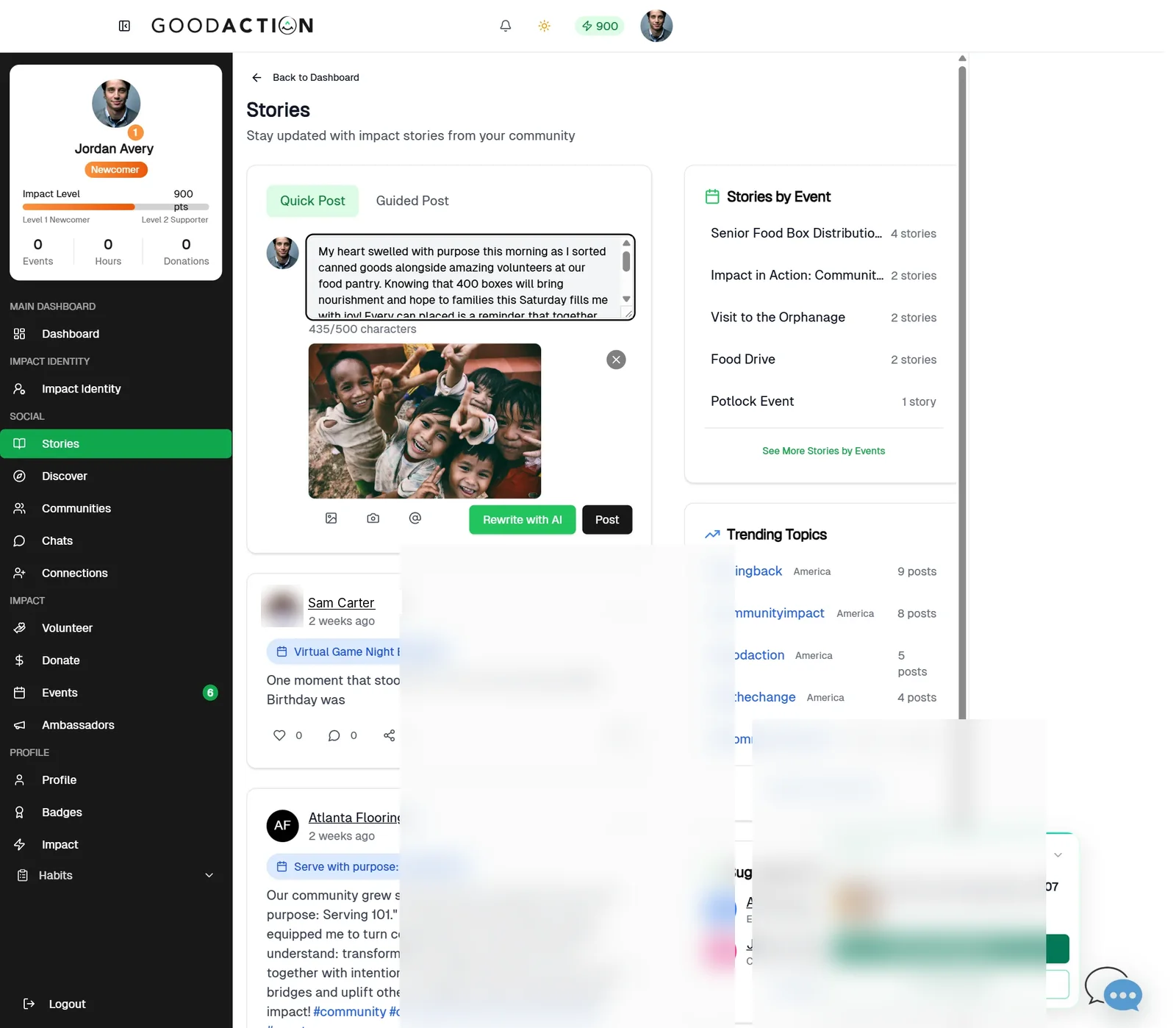
Member · Step-by-step guide
Post a story
Any member 1.5 min 5 steps
Before you start: A photo or short video (under 100 MB) · Do this first: Set up your profile
Step 1 of 5
1. Write and polish
goodaction.com/dashboards/social/stories
Open Stories. Under Quick Post, write your story and add a photo. Click Rewrite with AI to polish it.
Click the highlighted area, or use ← →Open this page
Tips
- Up to 500 characters. Use @ to mention people and # for tags.
- Rewrite with AI polishes your text in a few seconds; edit it before posting.
Was this helpful?