
All step-by-step guides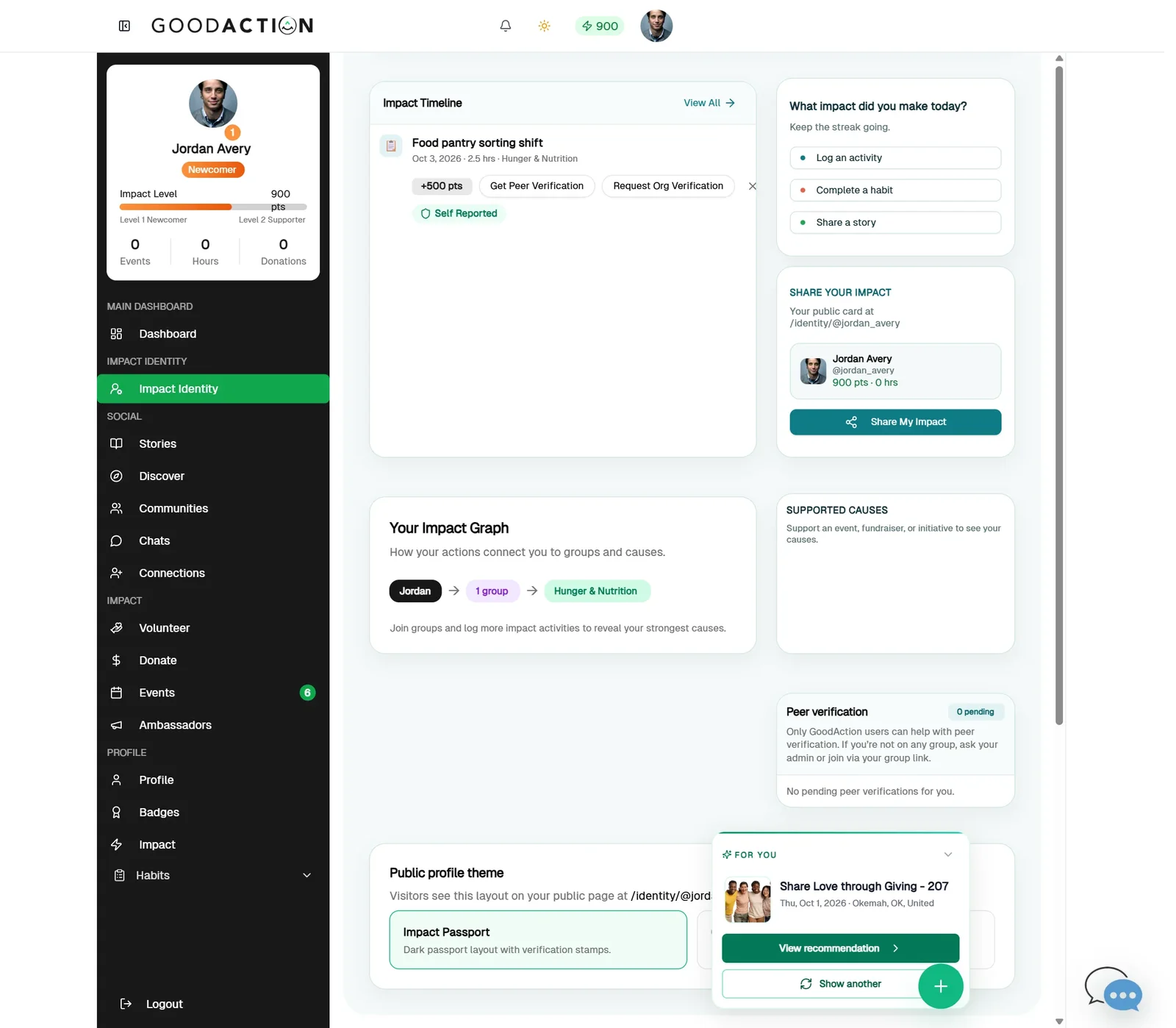
Member · Step-by-step guide
Share your impact card
Any member with a username 1 min 3 steps
Before you start: Your profile set up (#12) · Do this first: Set up your profile
Step 1 of 3
1. Pick a public theme
goodaction.com/dashboards/social/identity
On Impact Identity, under Public profile theme, pick Impact Passport (dark) or Good Identity (light). It saves straight away.
Click the highlighted area, or use ← →Open this page
Public address
- Your public address is goodaction.com/identity/your-username (no @ sign).
Was this helpful?