
All step-by-step guides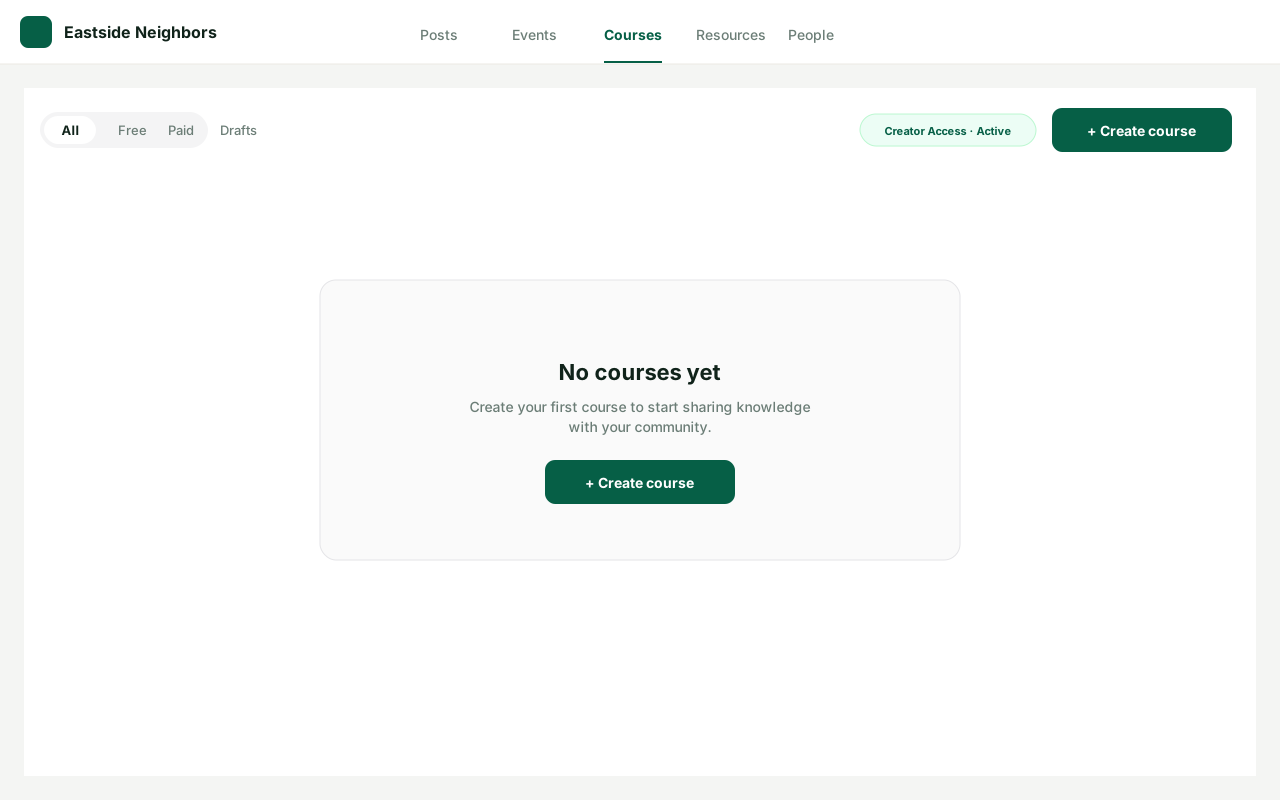
Community leader · Step-by-step guide
Create a course
Community leader 4 min 5 steps
Before you start: Creator Access on the community (#21) · Do this first: Monetize your community
Step 1 of 5
1. Open Courses
goodaction.com/dashboards/social/groupsIllustrated
On the community, open the Courses tab. With Creator Access · Active, click Create course (top right, or in the empty state).
This step is a labeled walkthrough of the current product, not a live screenshot.
Click the highlighted area, or use ← →
The three steps
- Basics — title, what people will learn, optional cover.
- Lessons — Upload, Paste link, Write, or From resources. Save lesson stays pinned at the bottom.
- Price & publish — Free, paid, or membership, then who can find it.
Was this helpful?