
All step-by-step guides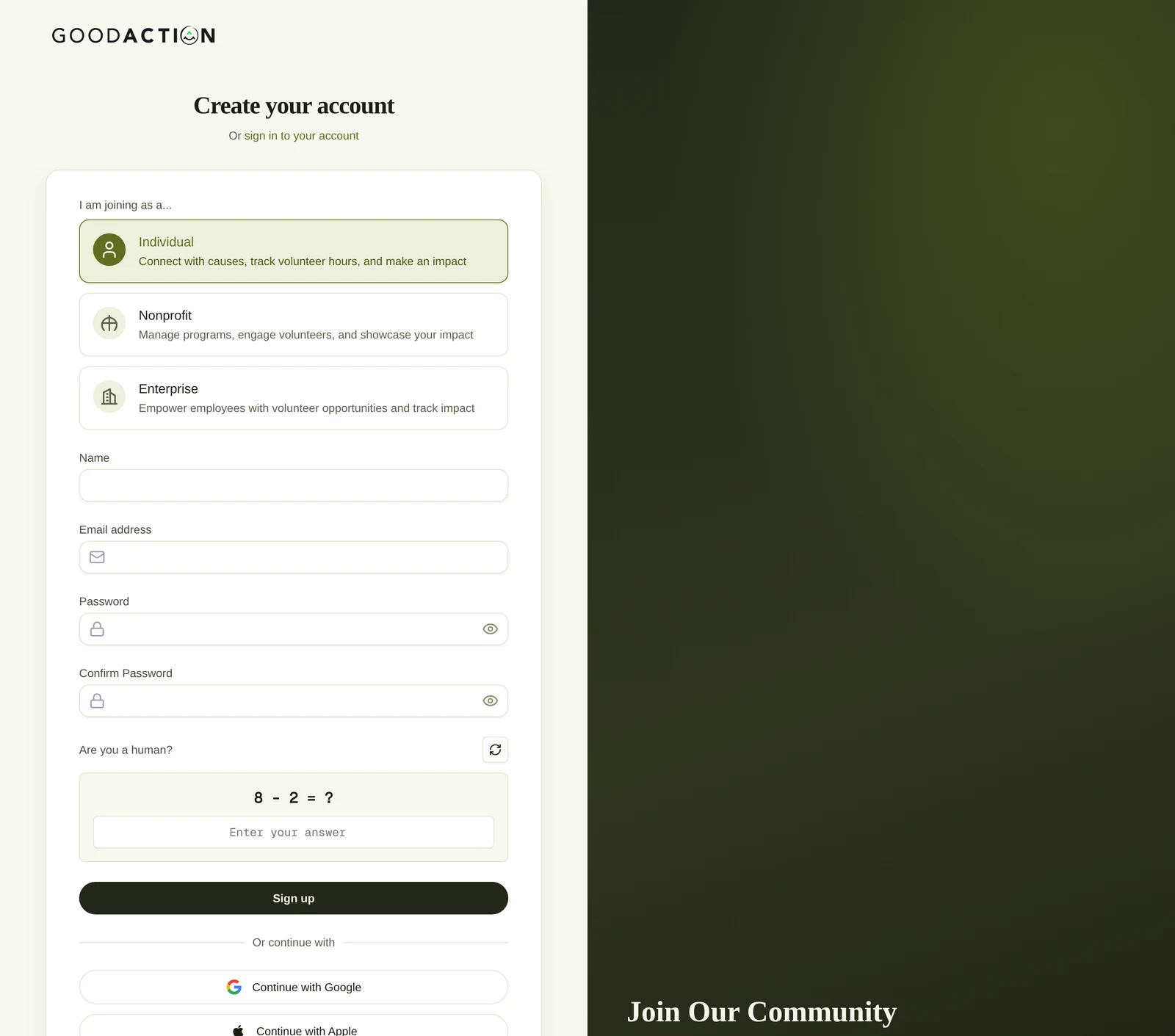
New user · Step-by-step guide
Create your account
Anyone 1.5 min 7 steps
Before you start: An email address
Step 1 of 7
1. Choose how you're joining
goodaction.com/auth/sign-up
Under I am joining as a…, pick Individual, Nonprofit or Enterprise. Individual is selected by default.
Click the highlighted area, or use ← →Open this page
Signing in later
- Next time, go to goodaction.com/auth/sign-in, or use Sign in with code.
- Forgot it? Click Forgot your password?
Google or Apple
- Use Continue with Google or Continue with Apple instead of a password.
- You'll pick your account type on the next screen.
Was this helpful?