
Create a GoodAction account
Create an account with accurate information, then complete any available profile steps before using account-specific features.
Watch it step by step
Click the highlighted area to move through the task, or watch the video when one is available. Newer flows may use a labeled walkthrough instead of a live photo.
Step 1 of 7
1. Choose how you're joining
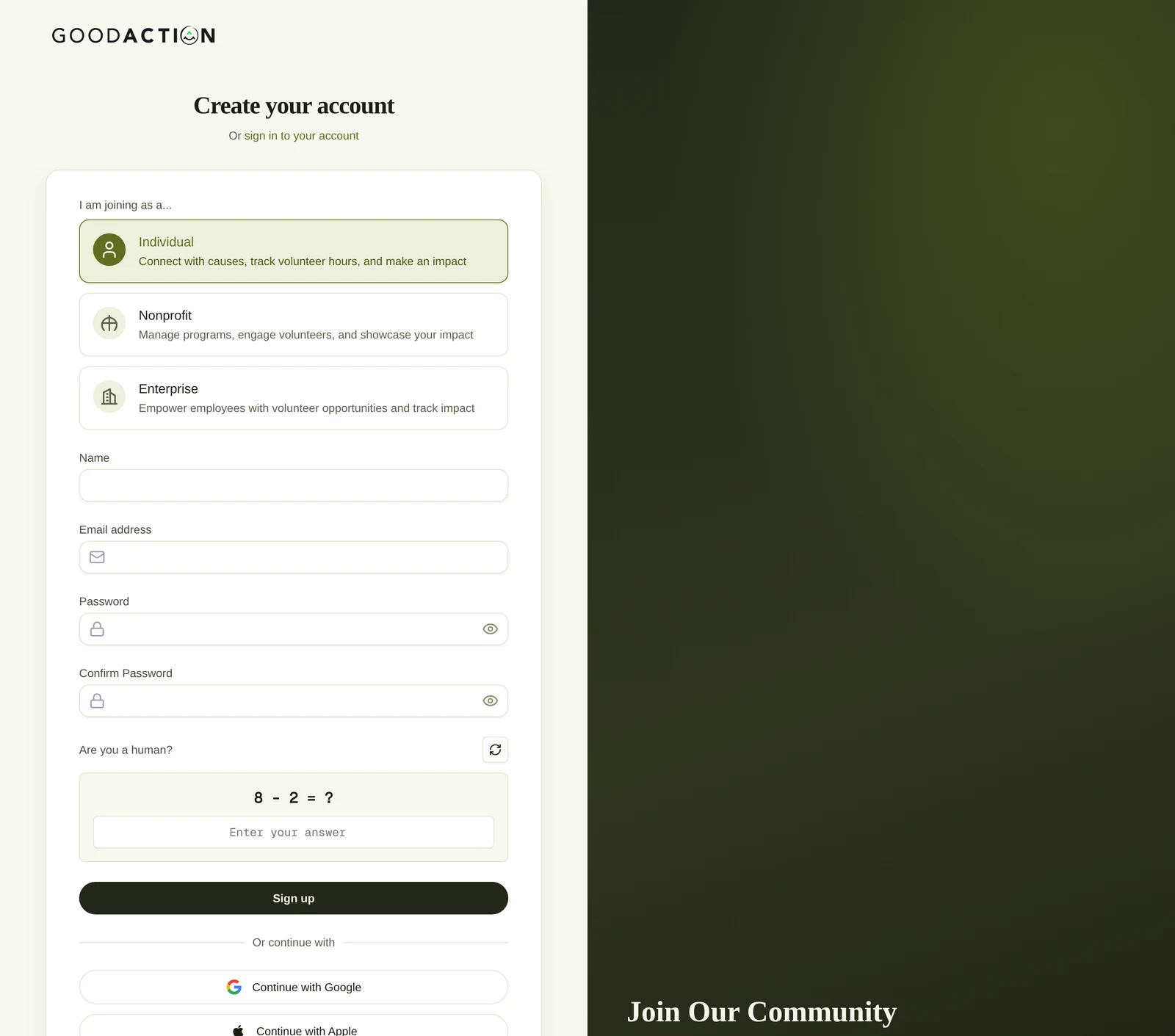
Under I am joining as a…, pick Individual, Nonprofit or Enterprise. Individual is selected by default.
Done when: You land on your profile to finish onboarding (interests, then volunteer availability), with 200 onboarding points on your Social dashboard.
Create a GoodAction account
Overview
Create an account with accurate information, then complete any available profile steps before using account-specific features.
Where to find it
Use the public sign-up or sign-in flow for account access. After sign-in, personal profile controls are available from the social profile and its settings.
How it works
- Confirm the current profile or organization in the page header.
- Open the named setup or settings area and review the existing values.
- Complete the required fields without sharing credentials or private payment information.
- Save once and verify the page displays the new status.
Important details
Use GoodAction sign-in and recovery controls only. Never share passwords, recovery codes or active sessions. Profile switching changes the current workspace context; check the header before editing data.
If something does not look right
- Confirm the signed-in profile and current workspace shown in the page header.
- Capture the page address, time and exact visible error.
- Do not include passwords, API keys, bank details or full card data.
- Ask GoodAction Support when the expected control remains unavailable or the saved result differs from this article.