
All step-by-step guides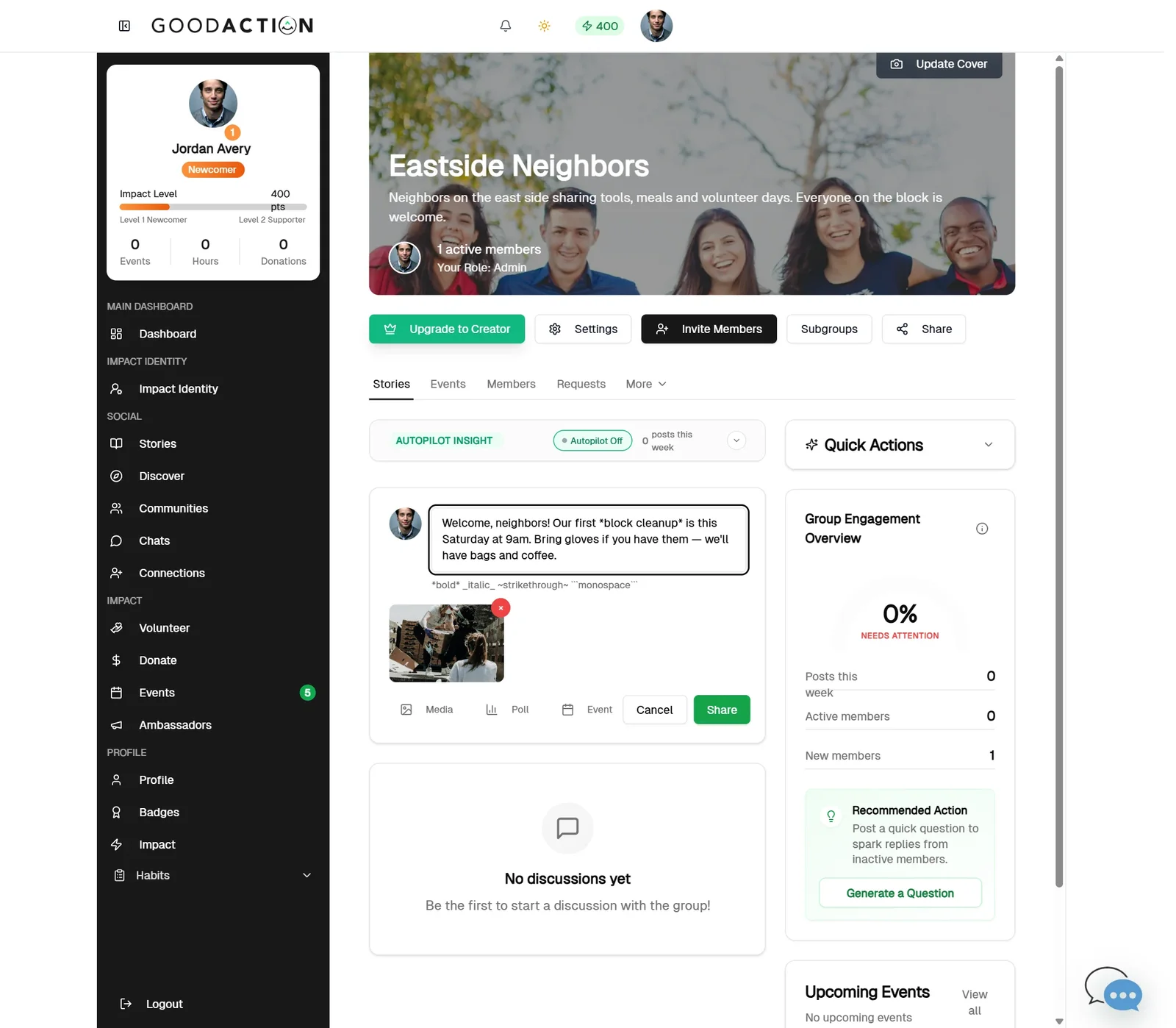
Community leader · Step-by-step guide
Post, poll, event and resources
Community owner or admin 3 min 12 steps
Before you start: A community (#17) · Do this first: Create a community and invite members
Step 1 of 12
1. Write a post
goodaction.com/dashboards/social/groups/eastside-neighbors
Click the composer, write your post, add media, then click Share.
Click the highlighted area, or use ← →
Where things live
- Posts: Stories tab.
- Polls: More → Polls.
- Events: Events tab.
- Resources: More → Resources.
Tip
- Always set an Expiration Date when you create a poll.
Was this helpful?