
All step-by-step guides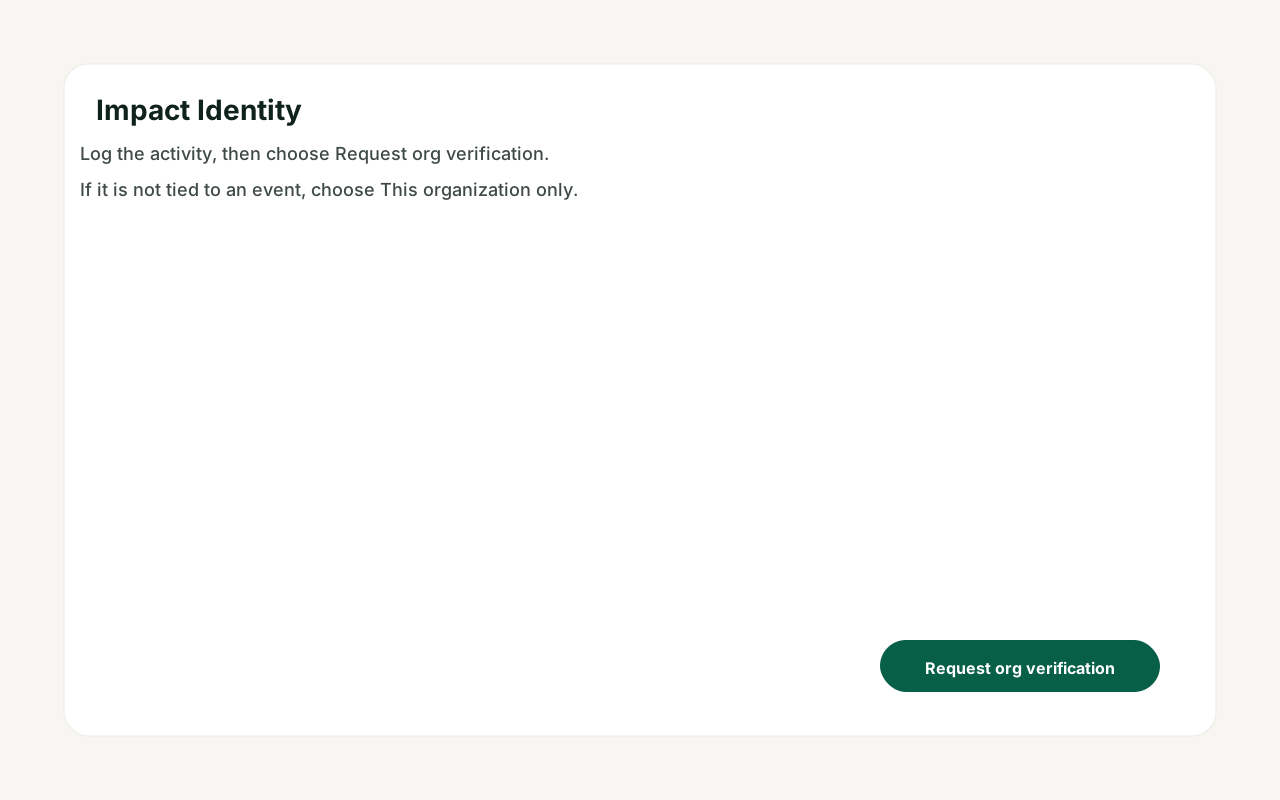
Nonprofit admin · Step-by-step guide
Approve hours and verify impact
Nonprofit admin 2 min 2 steps
Before you start: A member has logged impact that is tied to your organization · Do this first: Register or claim your nonprofit
Step 1 of 2
1. Member requests verification
goodaction.com/dashboards/social/identityIllustrated
From Impact Identity the member logs the activity and chooses Request org verification.
This step is a labeled walkthrough of the current product, not a live screenshot.
Click the highlighted area, or use ← →Open this page
What to check
- Match the person, activity and hours before you approve.
- Approve or reject once — do not duplicate the record.
Was this helpful?