
All step-by-step guides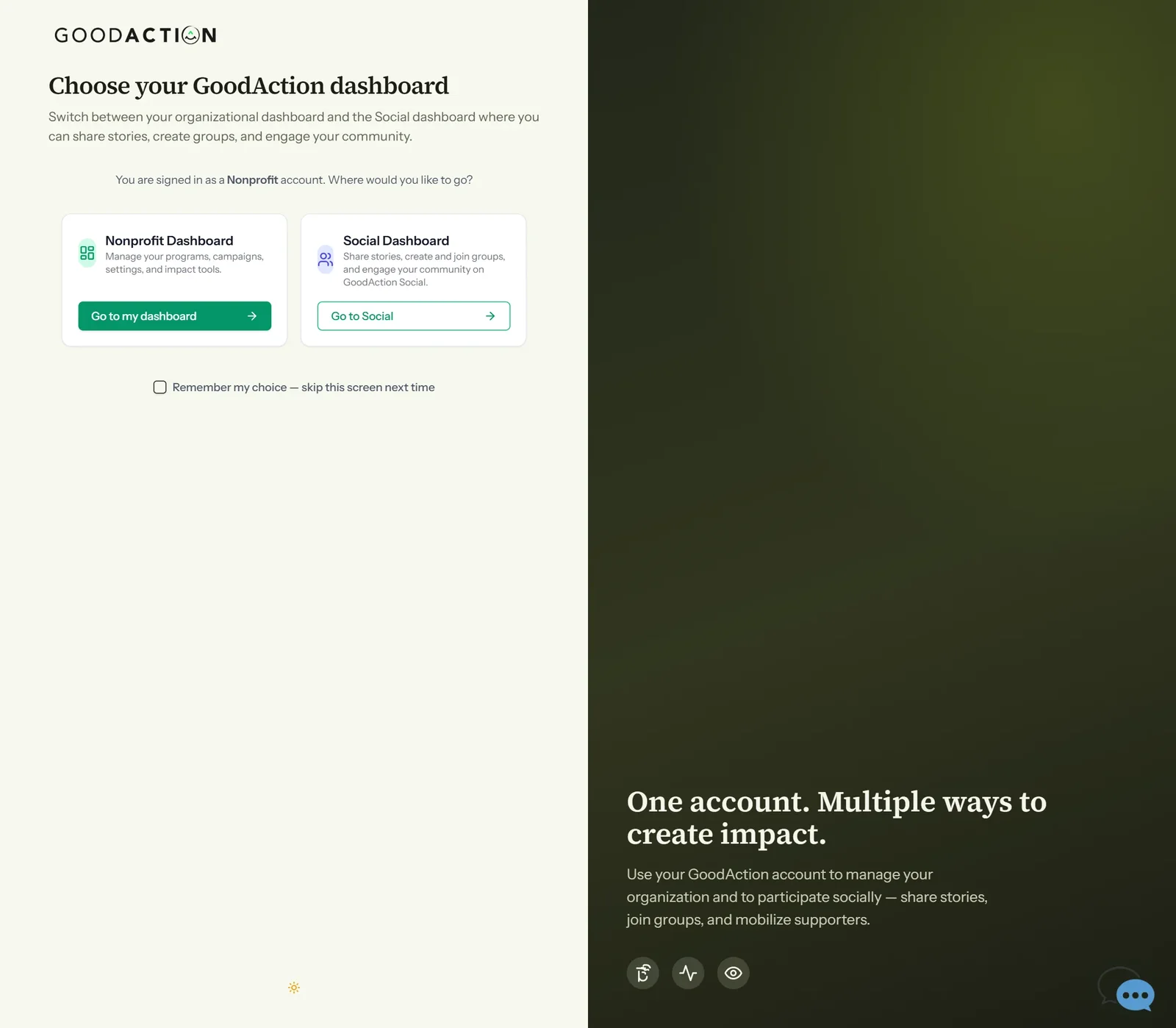
Nonprofit admin · Step-by-step guide
Register or claim your nonprofit
Nonprofit admin 3 min 10 steps
Before you start: A Nonprofit account (#1, choose Nonprofit), your mission statement, address and logo
Step 1 of 10
1. Choose your dashboard
goodaction.com/dashboards/select
After signing in, choose Go to my dashboard to open the nonprofit workspace.
Click the highlighted area, or use ← →Open this page
Claim or register?
- Claim if your nonprofit is in the IRS registry: search by EIN or full legal name.
- Only claim an organization you represent — every claim is recorded.
- Not listed (or outside the US)? Click Next to register it manually.
Good to know
- Click the address in the suggestions list to choose it.
- Tax ID, social links and logo can be added later.
Was this helpful?