
All step-by-step guides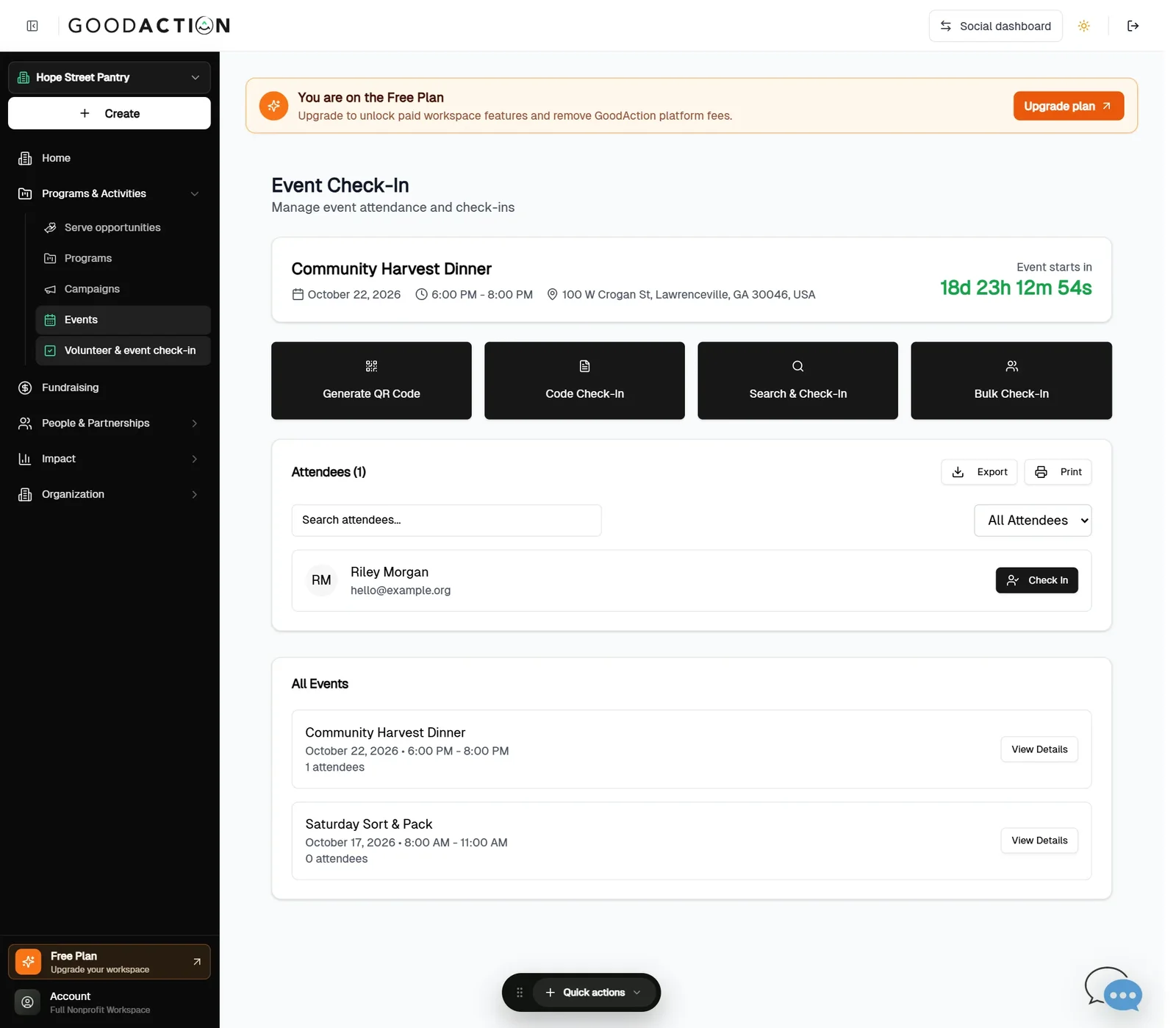
Nonprofit admin · Step-by-step guide
Check people in on event day
Nonprofit admin or team member 1.5 min 2 steps
Before you start: An event with registered attendees (#8) · Do this first: Create an event and sell tickets
Step 1 of 2
1. Open check-in
goodaction.com/dashboards/nonprofit/events/check-in
Open Programs & Activities → Volunteer & event check-in. Pick the event under All Events.
Click the highlighted area, or use ← →Open this page
Ways to check in
- Generate QR Code for self check-in, Code Check-In, Search & Check-In, or Bulk Check-In.
- Export or print the attendee list.
Was this helpful?