
All step-by-step guides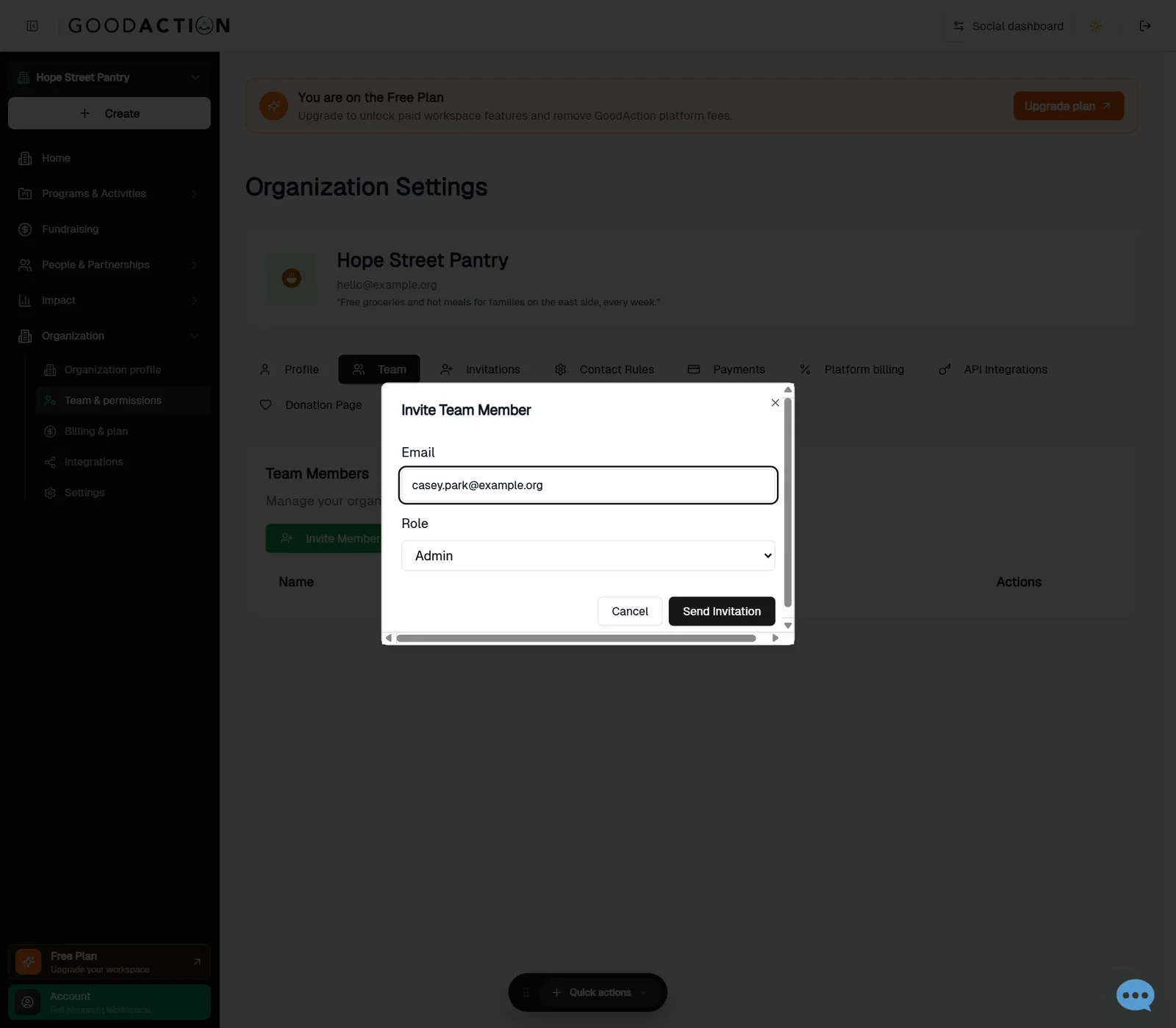
Nonprofit admin · Step-by-step guide
Invite your team
Nonprofit admin 1 min 2 steps
Before you start: Your teammates' email addresses · Do this first: Register or claim your nonprofit
Step 1 of 2
1. Invite a team member
goodaction.com/dashboards/nonprofit/settings?tab=team
Open Organization → Team & permissions, click Invite Member, enter the email, pick a role and Send Invitation.
Click the highlighted area, or use ← →Open this page
Roles
- Admin: manages everything.
- Member: works on events, programs and contacts.
Was this helpful?