
All step-by-step guides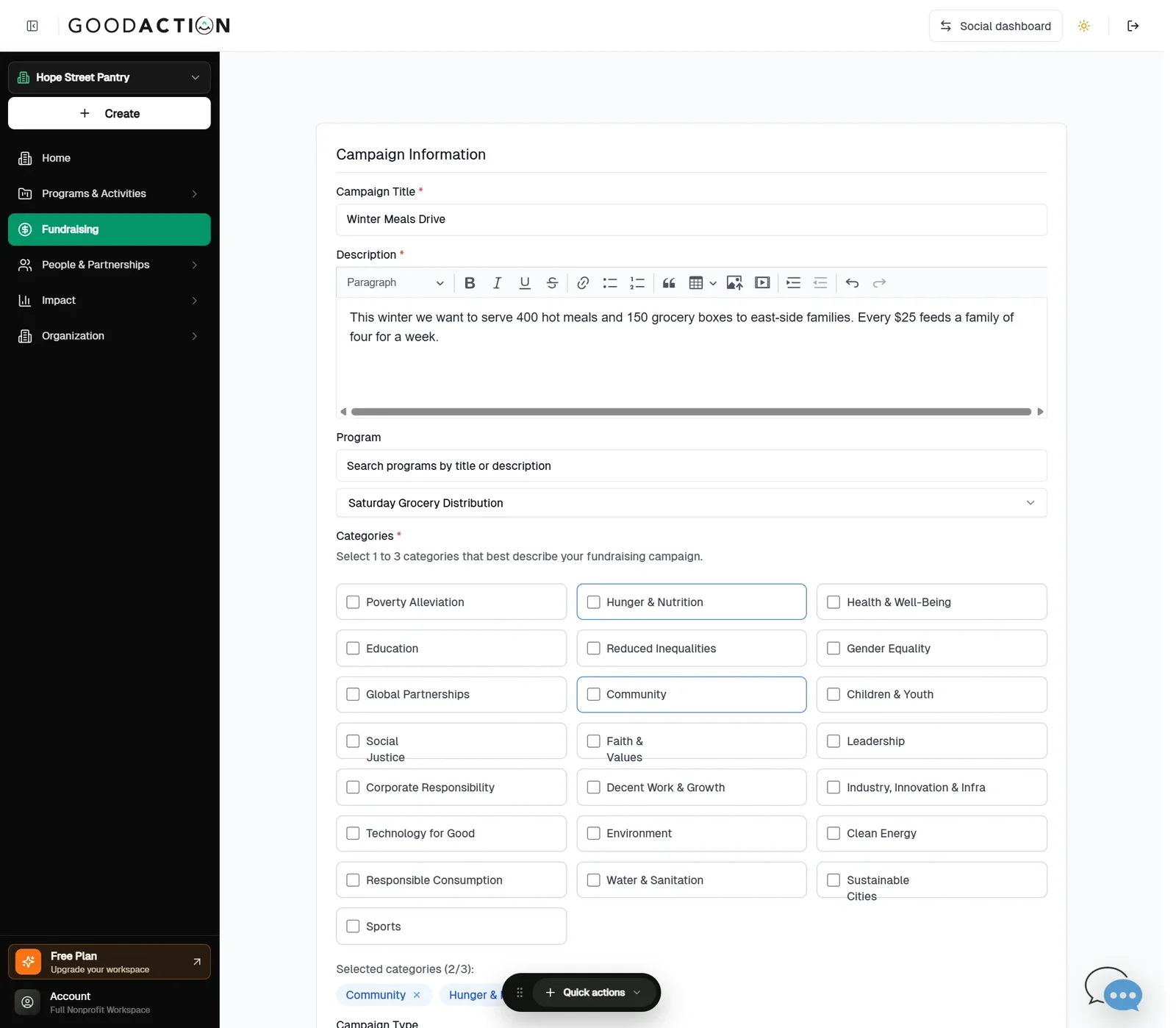
Nonprofit admin · Step-by-step guide
Launch a fundraising campaign
Nonprofit admin 2.5 min 3 steps
Before you start: Payments set up (#3), a goal, dates and an image · Do this first: Verify for payments and connect Stripe
Step 1 of 3
1. Describe the campaign
goodaction.com/dashboards/nonprofit/fundraising/campaigns/new
In Fundraising, click Create Campaign. Add the title, description, program and 1–3 categories.
Click the highlighted area, or use ← →Open this page
Where to start
- Use Fundraising → Create Campaign (or Home → Launch a fundraising campaign → Go to Fundraising).
Was this helpful?