
All step-by-step guides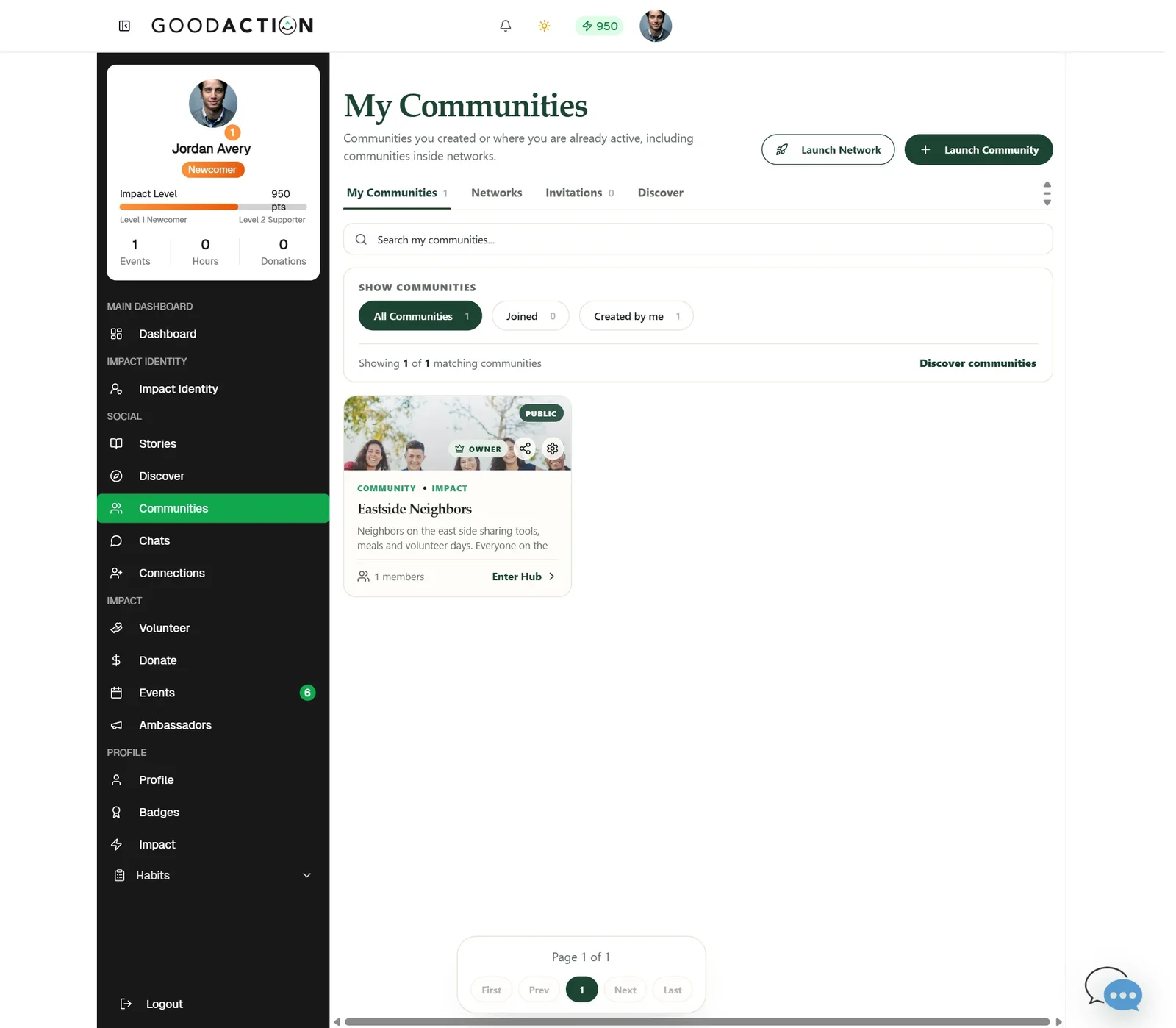
Network owner · Step-by-step guide
Create and brand a network
Network owner 4 min 17 steps
Before you start: A payment method or a promo code, a cover image and a square logo
Step 1 of 17
1. Launch a network
goodaction.com/dashboards/social/groups
Open Communities and click Launch Network.
Click the highlighted area, or use ← →Open this page
Plans
- Plans and group limits are shown at checkout — review them there before you pay.
- Annual billing is discounted. A 30-day free trial is available; you add a payment method at checkout.
Branding tips
- Drop a square logo (PNG/JPG/WebP, up to 6 MB) and a wide banner.
- The Portal Slug is fixed after creation.
- Turn portal sections (Communities, Stories, Events, About, Contact) on or off.
Was this helpful?