
OnboardingHow-to guide
Claim an existing nonprofit
Claim a nonprofit already in the IRS registry only if you represent it. Every claim is recorded.
Organization claim Verified Oct 6, 2026
Watch it step by step
Click the highlighted area to move through the task, or watch the video when one is available. Newer flows may use a labeled walkthrough instead of a live photo.
Nonprofit admin 3 min 10 steps
Before you start: A Nonprofit account (#1, choose Nonprofit), your mission statement, address and logo
Step 1 of 10
1. Choose your dashboard
goodaction.com/dashboards/select
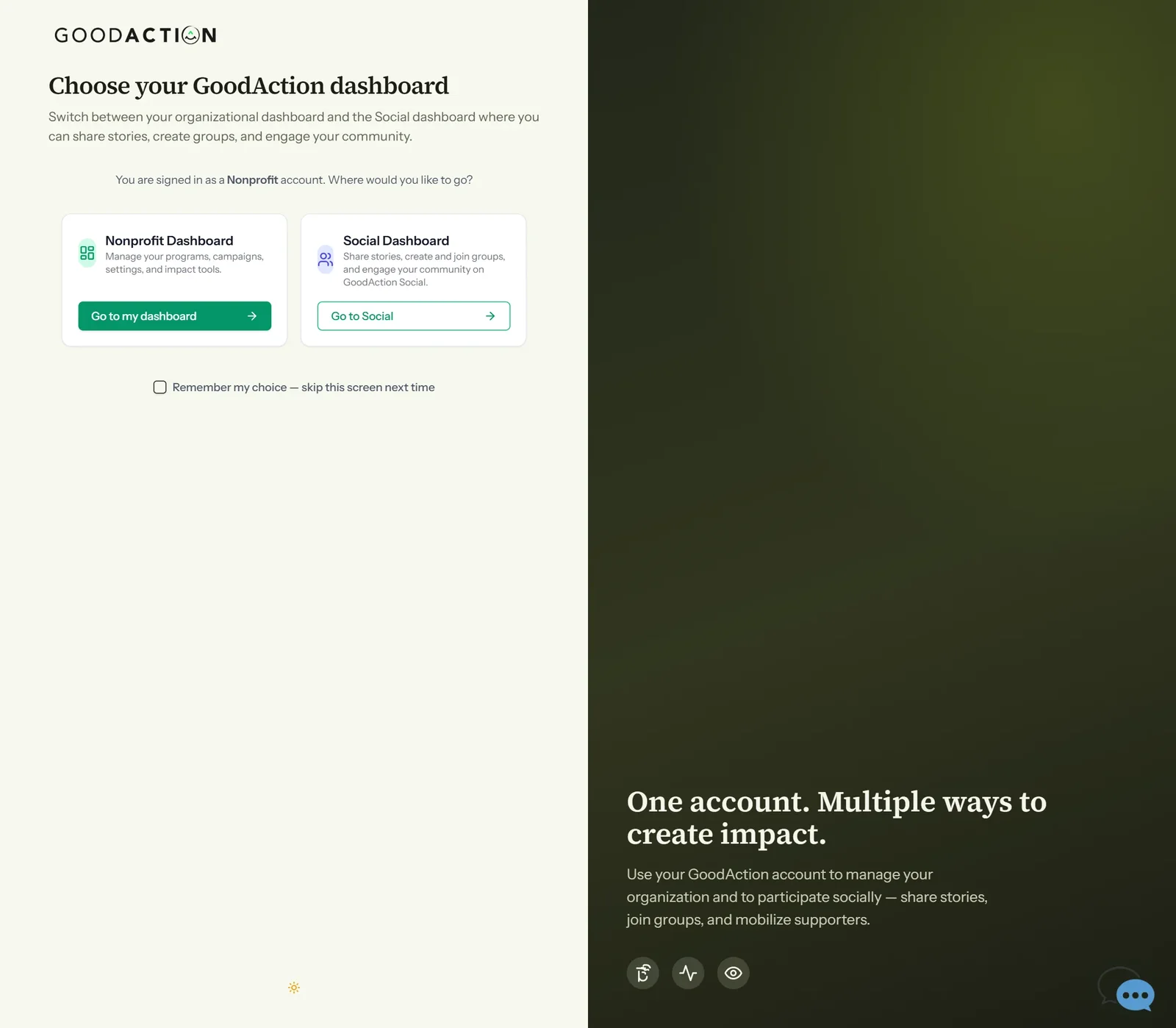
After signing in, choose Go to my dashboard to open the nonprofit workspace.
Click the highlighted area, or use ← →Open this page
Done when: Your workspace opens with “Organization profile complete” and a setup checklist. Events, programs and contacts are available straight away.
Claim an existing nonprofit
Overview
Claim a nonprofit already in the IRS registry only if you represent it. Every claim is recorded.
Where to find it
Open the nonprofit workspace after you sign up as a Nonprofit, then choose Claim an existing organization.
How it works
- Sign in with a Nonprofit account.
- On Home, choose Claim an existing organization.
- Read the notice and continue only if you represent the organization.
- Search by EIN or full legal name.
- If it is not listed, register it manually instead.
If something does not look right
- Confirm the signed-in profile and current workspace.
- Capture the page address and the exact message you see.
- Ask GoodAction Support if the control is still missing.